 TallyCopilot
Ledgers and Groups in TallyPrime: How to Create Them and Choose the Right Group
A ledger is an individual account in TallyPrime, such as a customer, supplier, bank account, or expense. A group classifies the ledger and determines where its balance appears in the accounts. TallyHelp on ledgers and groups.
For example, Maple Studio is a customer ledger under the Sundry Debtors group. Putting “customer” in the ledger's name does not replace the need to select the correct group.
That is why ledger setup deserves attention before entering a pile of invoices. A classification mistake can carry into every transaction that uses the account.
Start with the transaction you need to record
Imagine Aster Office Supplies sells goods to Maple Studio on credit. Aster needs to record both the sale and the amount Maple owes.
Those are different accounts. The Sales ledger records revenue. The Maple Studio ledger records the relationship with that customer. When Maple pays later, the receipt reduces the customer balance.
The same distinction applies to suppliers. A purchase account records the purchase; the supplier account tracks the amount owed. Creating one ledger called “Purchases and Suppliers” would hide the distinction you need for reporting and payment follow-up.
Common ledger groups
Use this table as a starting point for ordinary examples, then consider the account's actual purpose.
| Example ledger | Common group | What the account represents |
|---|---|---|
| Maple Studio | Sundry Debtors | Amounts due from a customer |
| Paperline Distributors | Sundry Creditors | Amounts due to a supplier |
| Business Current Account | Bank Accounts | A regular bank balance |
| Cash | Cash-in-hand | Physical cash |
| Sales | Sales Accounts | Revenue from sales |
| Purchases | Purchase Accounts | Trading purchases |
| Office Stationery | Indirect Expenses | Stationery consumed by the office |
| Office Computer | Fixed Assets | A computer held for business use |
| Proprietor Capital | Capital Account | The proprietor's capital |
These group relationships follow Tally's chart of accounts structure. Some accounts need a different treatment: a bank overdraft, for example, should not automatically be classified like a regular positive bank balance. TallyHelp Chart of Accounts.
Aster's paper bought for resale and its stationery used in the office may come from the same shop. Their purpose differs. Read the transaction before choosing the ledger.
Create a ledger in TallyPrime
Use Alt+G > Create Master > Ledger. Enter the name, select the group in Under, complete the relevant details and save with Ctrl+A. You can also create a ledger from a ledger-selection field during voucher entry using Alt+C. TallyHelp ledger creation.
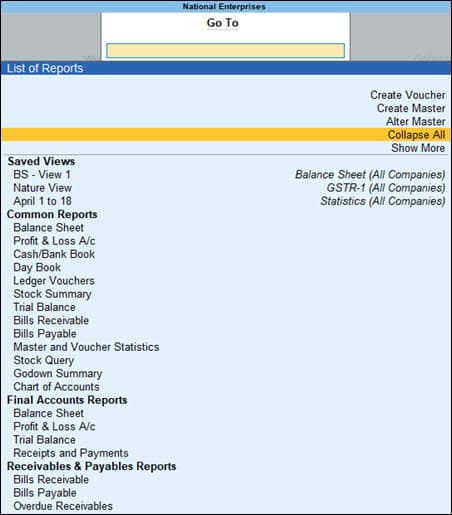
Use Create Master in the Go To menu to reach ledger creation; Alter Master opens existing accounts.
Official TallyPrime example; names, amounts and dates differ from the walkthrough. Source: TallyHelpFor the fictional customer, use Maple Studio under Sundry Debtors. Enter only verified party details. A similar-looking name is not enough to establish that two invoices belong to the same customer.
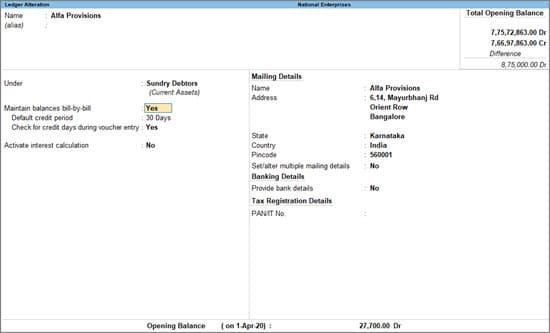
An existing customer ledger shows Sundry Debtors in Under, mailing details and Opening Balance. These are the fields to check for the customer account described above.
Official TallyPrime example; names, amounts and dates differ from the walkthrough. Source: TallyHelpIf this is a new customer with no previous balance, start at zero. If you are migrating existing books, use the agreed unpaid amount at the cutover, supported by the invoices behind it.
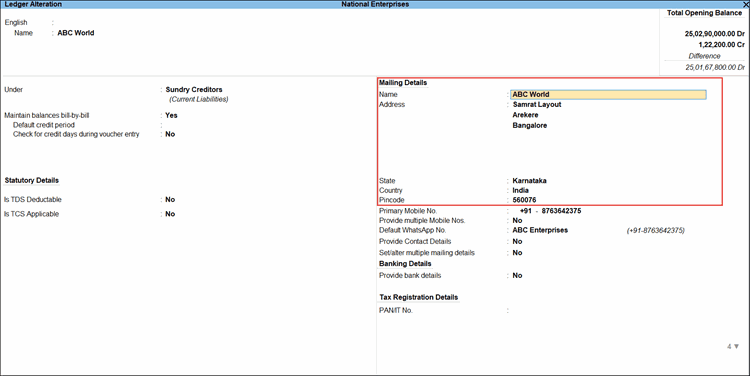
Ledger Alteration shows an existing supplier ledger under Sundry Creditors. Use the Name and Under fields to review an account’s identity and group.
Official TallyPrime example; names, amounts and dates differ from the walkthrough. Source: TallyHelpChoose names that another person will understand
“Misc,” “New Customer” and “Bank 2” may make sense to the person entering them today. They create work for the next person who has to select an account or explain a report.
Prefer a recognizable business or account name. Where two entities have similar names, use a consistent distinction that matches your records. Where the company has several bank accounts, make each one identifiable without exposing full account details in screenshots or training material.
Before creating a new account, search the existing list. Aster should not end up with Maple Studio, Maple Studios or Maple Studio New, simply because three people entered invoices.
Duplicate ledgers can split a transaction history. For example, one ledger may show an unpaid invoice while another contains the matching payment.
Keep the customer total connected to its invoices
Suppose Maple has two unpaid invoices: MS-101 for Rs 12,000 and MS-108 for Rs 8,000. The ledger total is Rs 20,000. Maple then pays Rs 12,000 specifically against MS-101.
The total remaining is Rs 8,000, but the invoice allocation explains which Rs 8,000 is still due. Without that detail, someone may chase the wrong invoice or struggle to agree on a statement with the customer.
TallyPrime supports bill-wise tracking. Where the workflow needs invoice-level outstanding balances, configure it and use bill references consistently. TallyHelp Company Features.
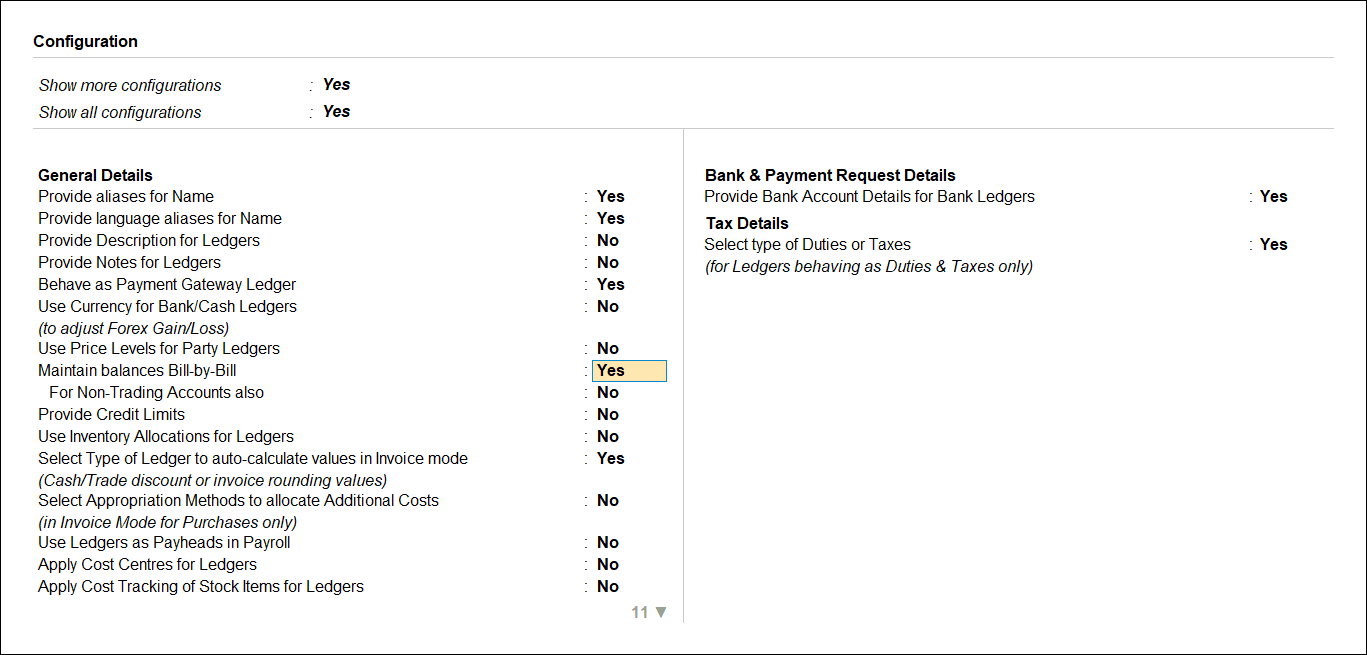
The ledger’s F12 Configuration includes Maintain balances Bill-by-Bill, used when invoice-level tracking is required.
Official TallyPrime example; names, amounts and dates differ from the walkthrough. Source: TallyHelpA useful account is one where the balance can be clearly explained. This applies whether transactions are entered manually, imported, or added through an integration.
Check the group after creating the ledger
Open the Chart of Accounts and review the classification before using the new account widely.
Ask what you expect the ledger to represent. Should it show money owed by a customer, an expense incurred this month or an asset the business still owns? Then compare that expectation with the selected group.
If an office computer has been treated as an ordinary expense, the books may report a different asset and profit position from the intended accounting treatment. Correcting the spelling of the ledger will not fix its classification.
If you need to change an existing ledger, use Alt+G > Alter Master > Ledger and review the affected transactions and reports afterward. Tally restricts deletion of ledgers already used in transactions or other configurations. TallyHelp ledger alteration and deletion.
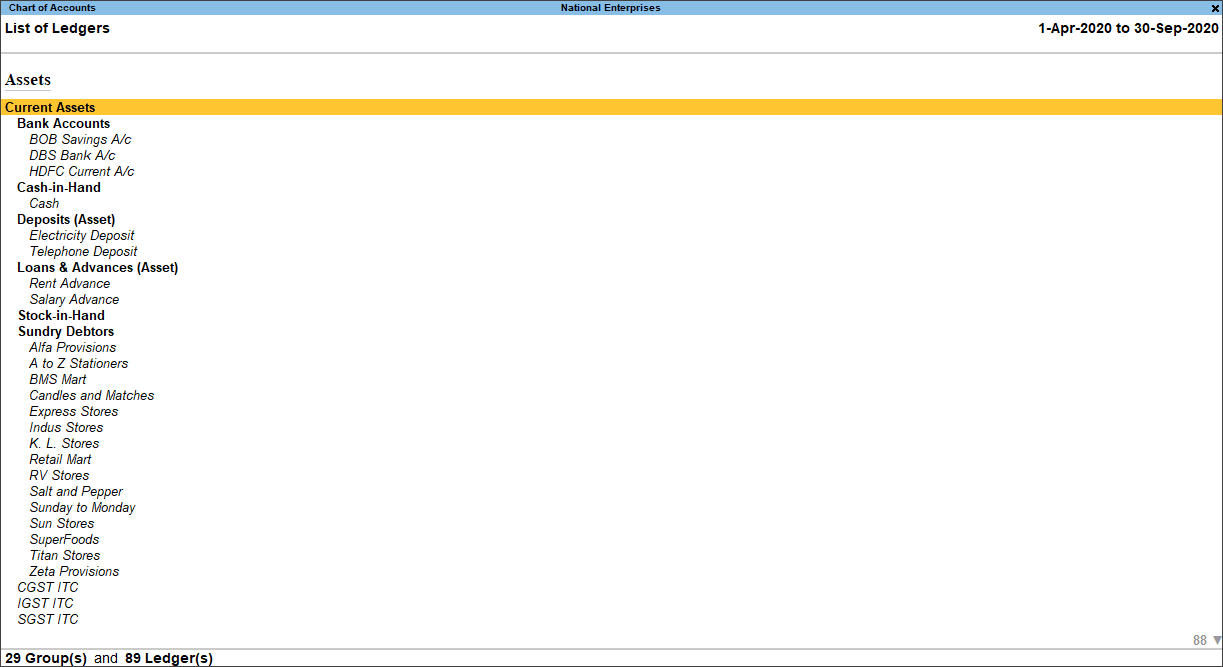
Chart of Accounts displays ledgers within their groups, helping you check classifications.
Official TallyPrime example; names, amounts and dates differ from the walkthrough. Source: TallyHelpWhen to create a separate ledger
Create separate accounts when you need to track genuinely separate parties, balances or categories. Avoid creating a new expense ledger for every receipt if the receipts all belong to the same expense category.
A good test is whether you would want the item reported separately and whether another person could apply the distinction consistently.
Once the ledgers are ready, select the right voucher type for the transaction. Correct accounts and the correct transaction type give you a much better starting point than fixing a report after a month of entries.
Keep reading
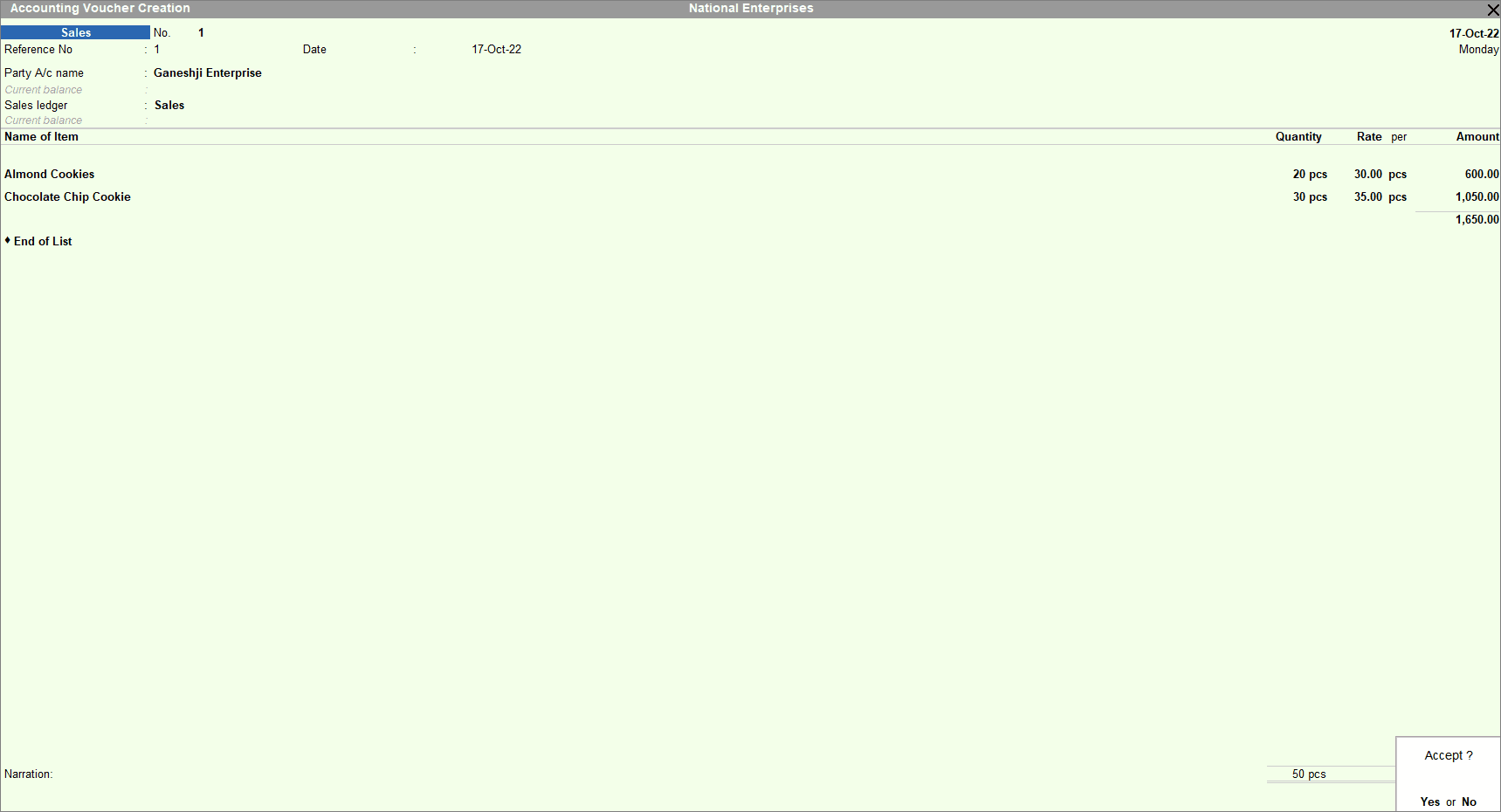 Tally basicsVoucher Types in TallyPrime: Which One Should You Use?Choose the right TallyPrime voucher for sales, purchases, payments, receipts, transfers and returns, with examples showing the accounting effects.
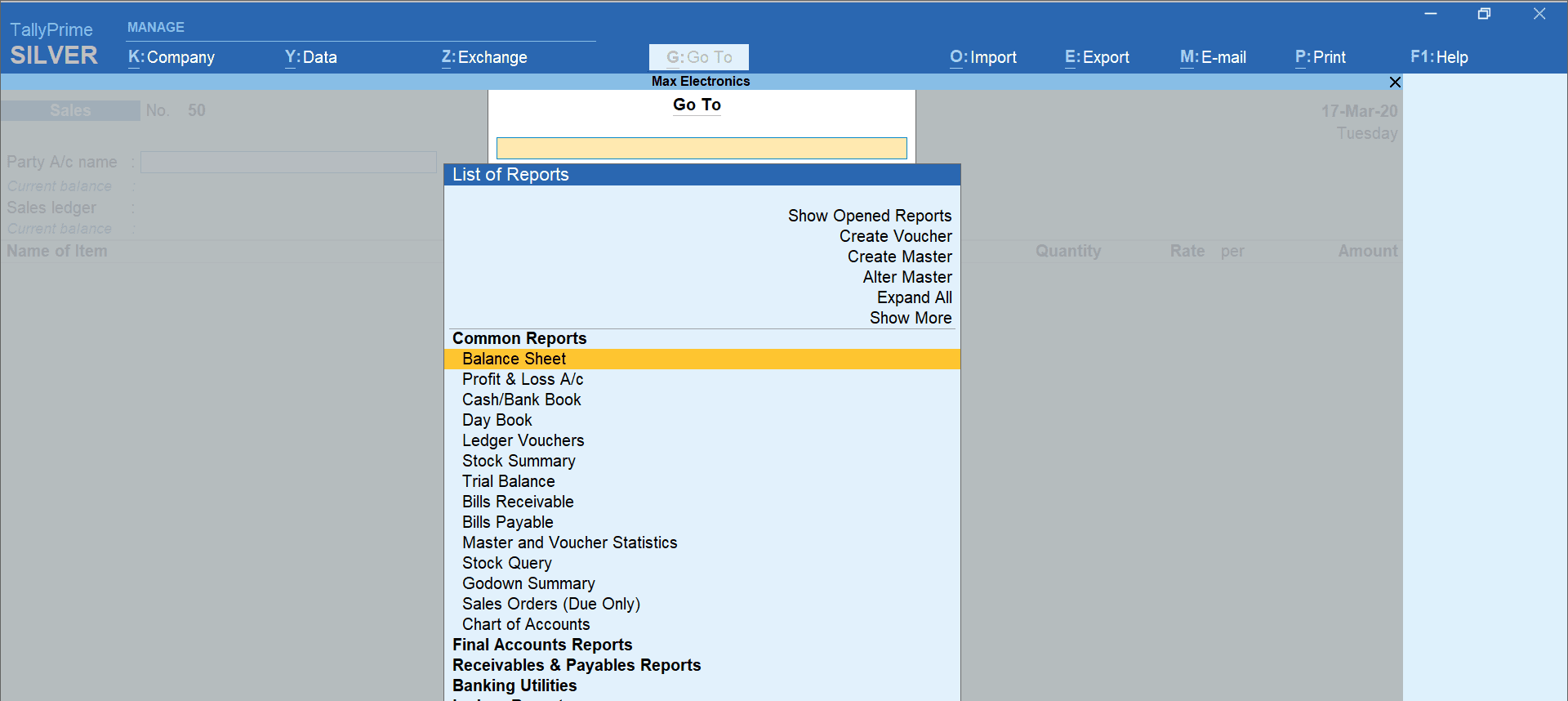 Tally basicsTallyPrime Shortcut Keys for Everyday Accounting WorkFind TallyPrime shortcut keys for vouchers, navigation and reports, plus a practice routine and checks for keyboard or remote-session problems.
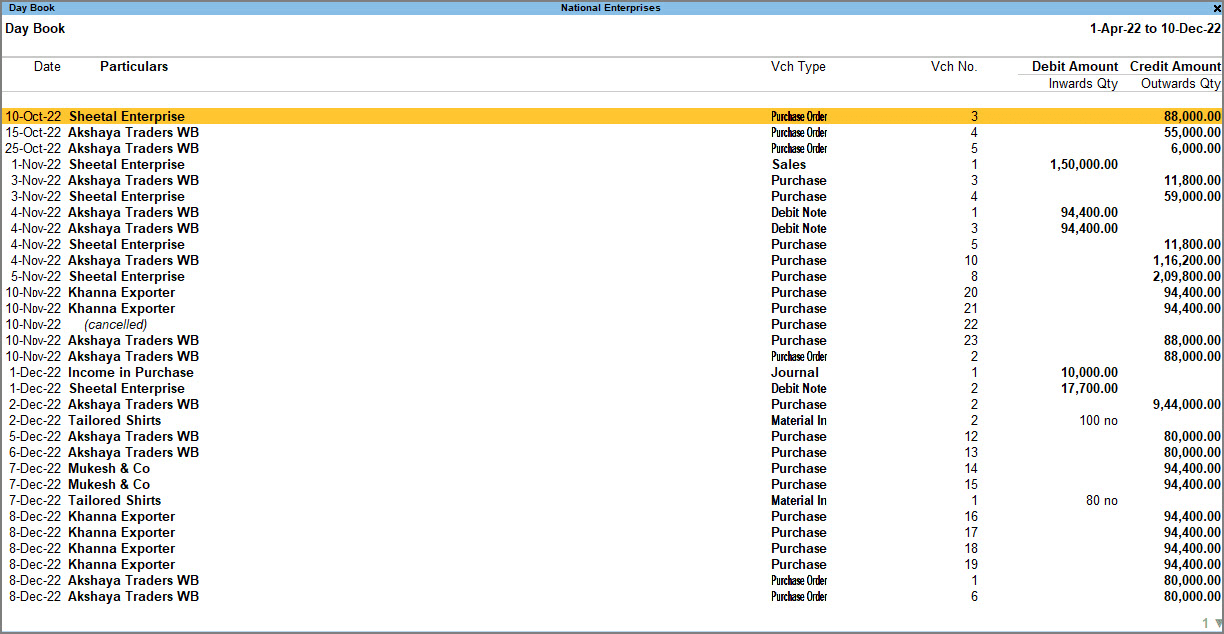 Tally basicsWhat Is Tally? Accounting, Inventory and Business Uses ExplainedUnderstand what Tally does with a simple business example covering sales, payments, stock and profit, plus where TallyPrime and AI fit.